The AI Scheduler that plans your day by voice
Lazy Schedule is an AI-powered calendar, to-do list, and pomodoro timer in one app. Speak to Laz, your personal AI agent, and get a planned day in seconds — on iPhone and on the web.

Now available on iOS
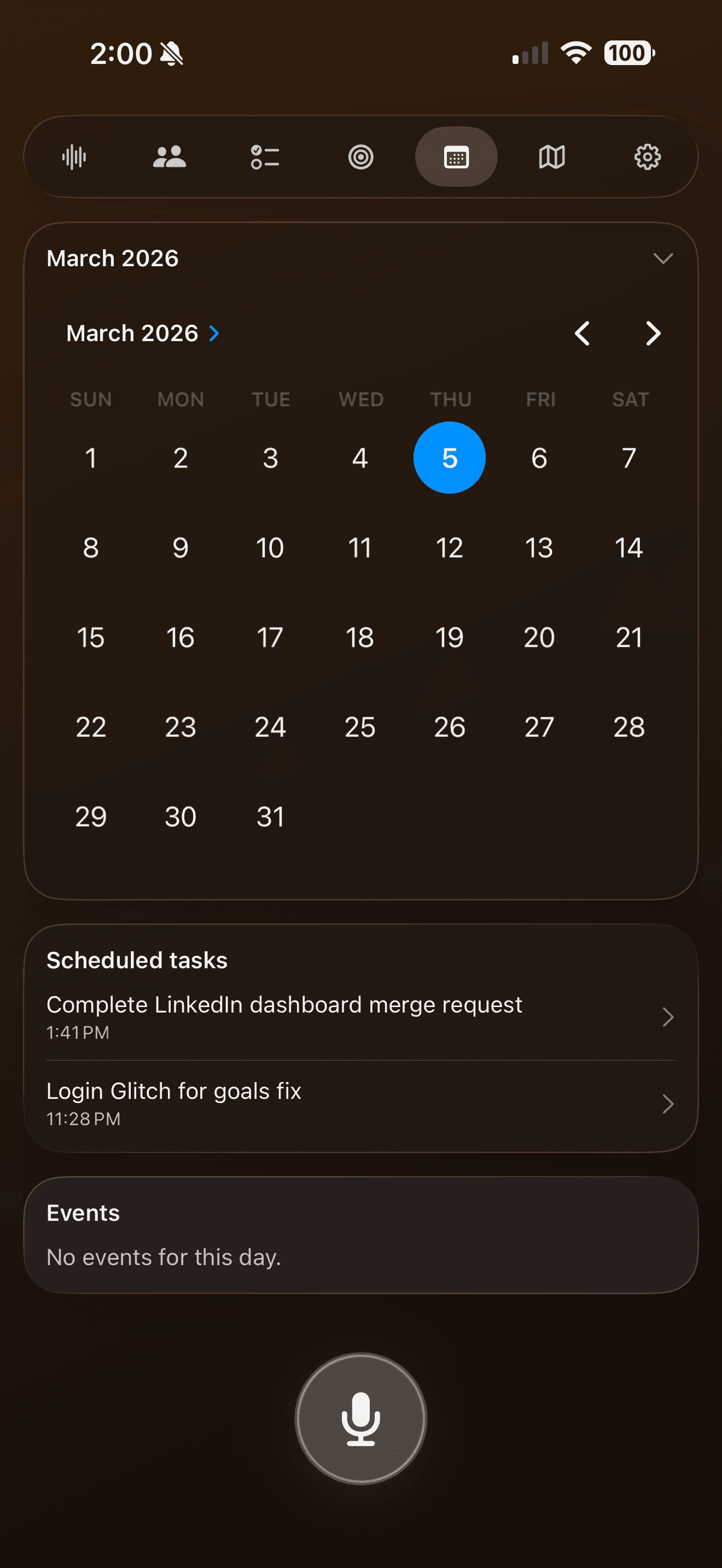
Calendar
Keep track of your tasks.
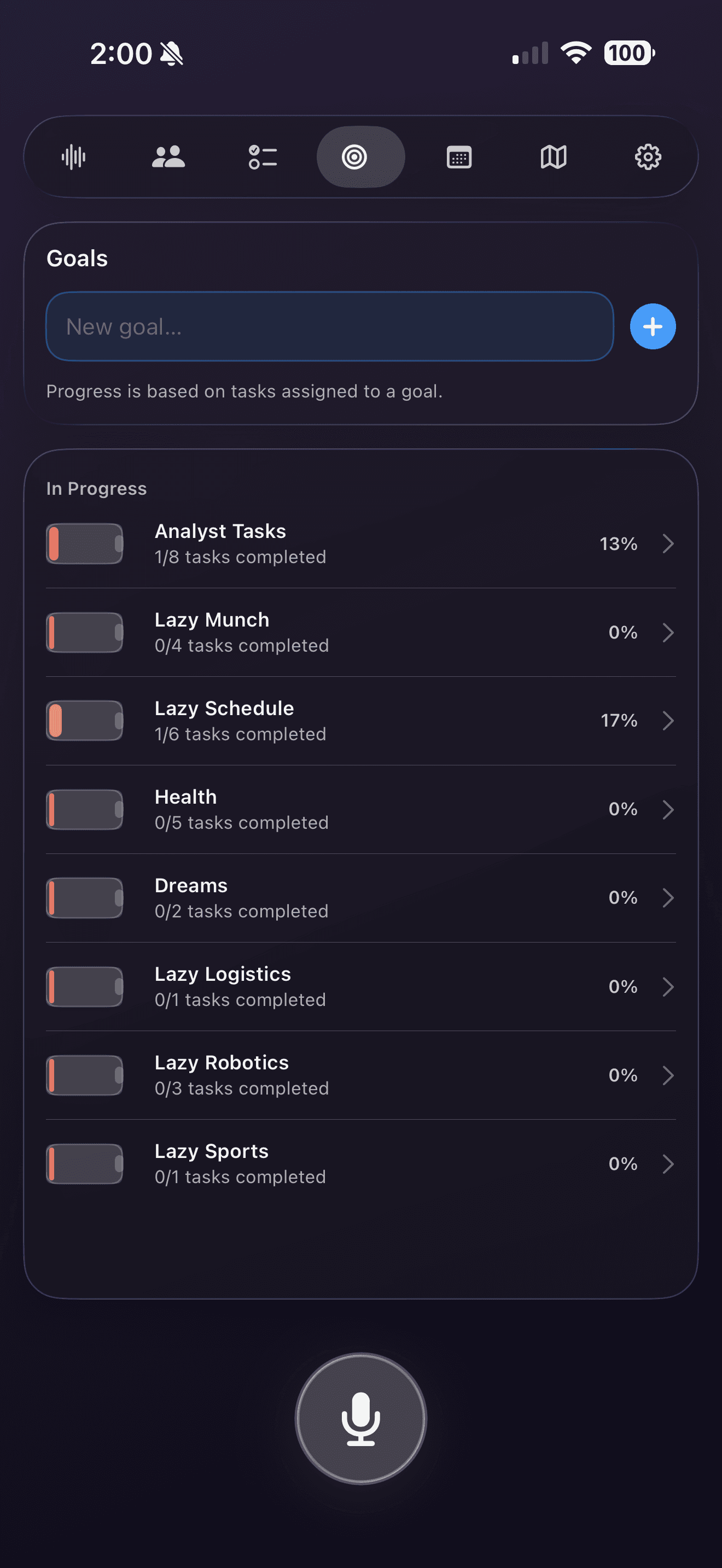
Goal Management
Keep track of your objective.
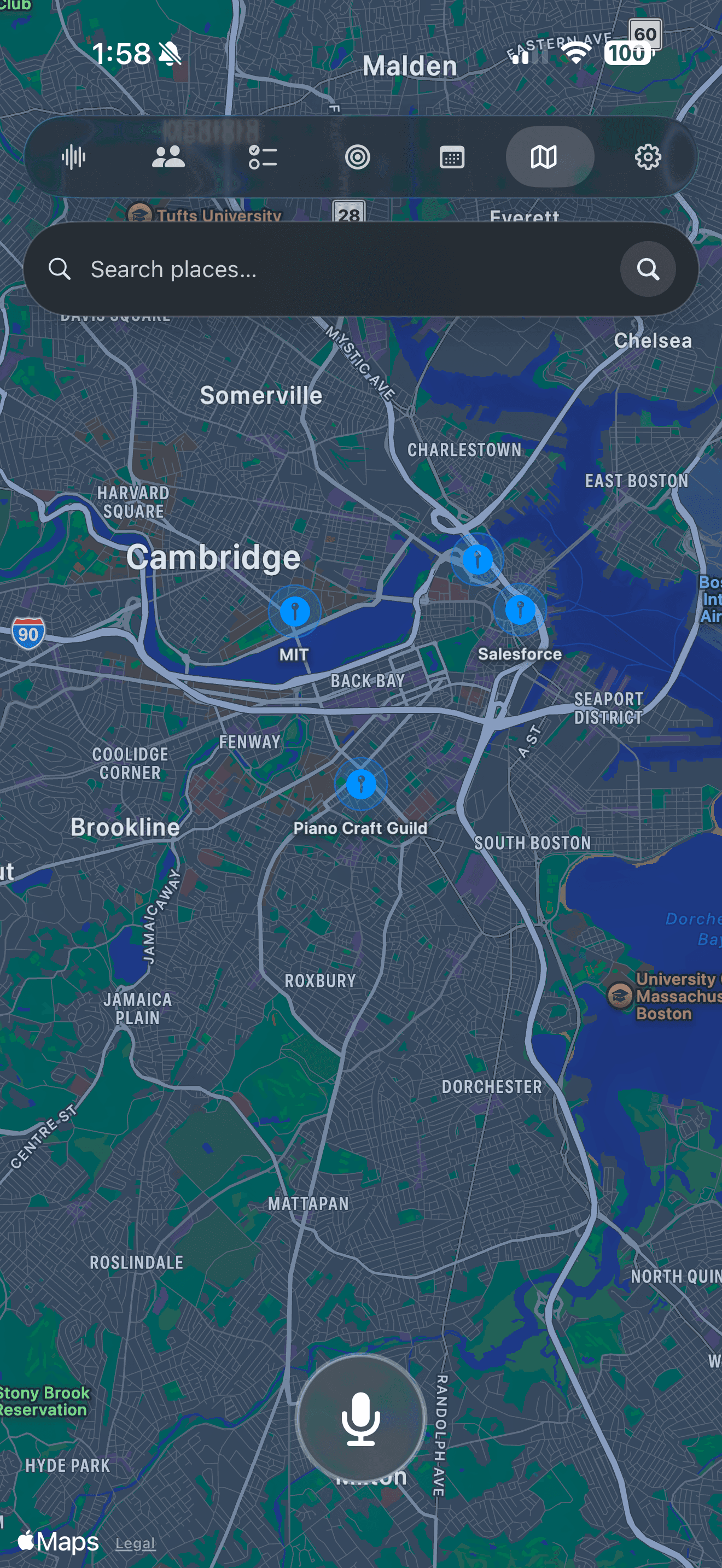
Locations
Set task locations.
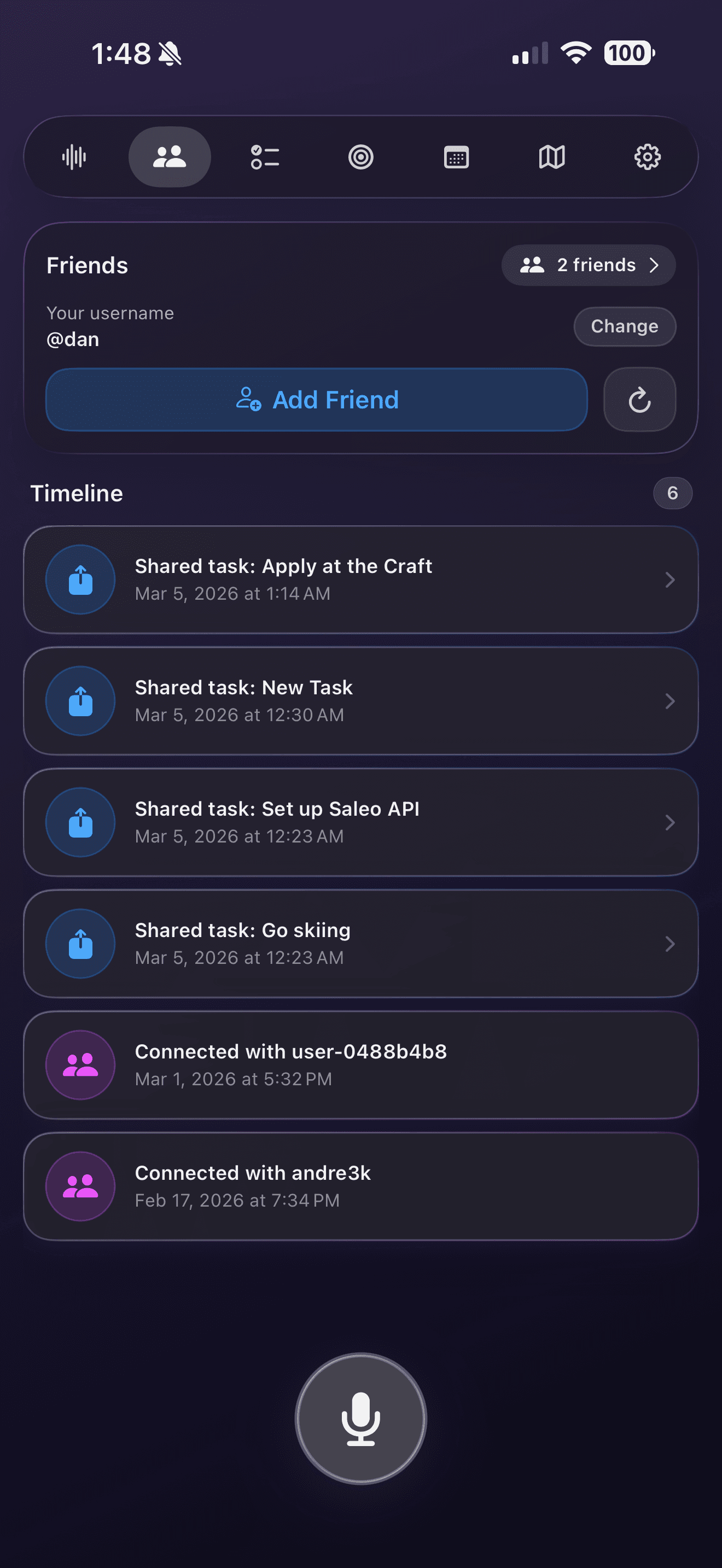
Shared Tasks
Collaborate easily.
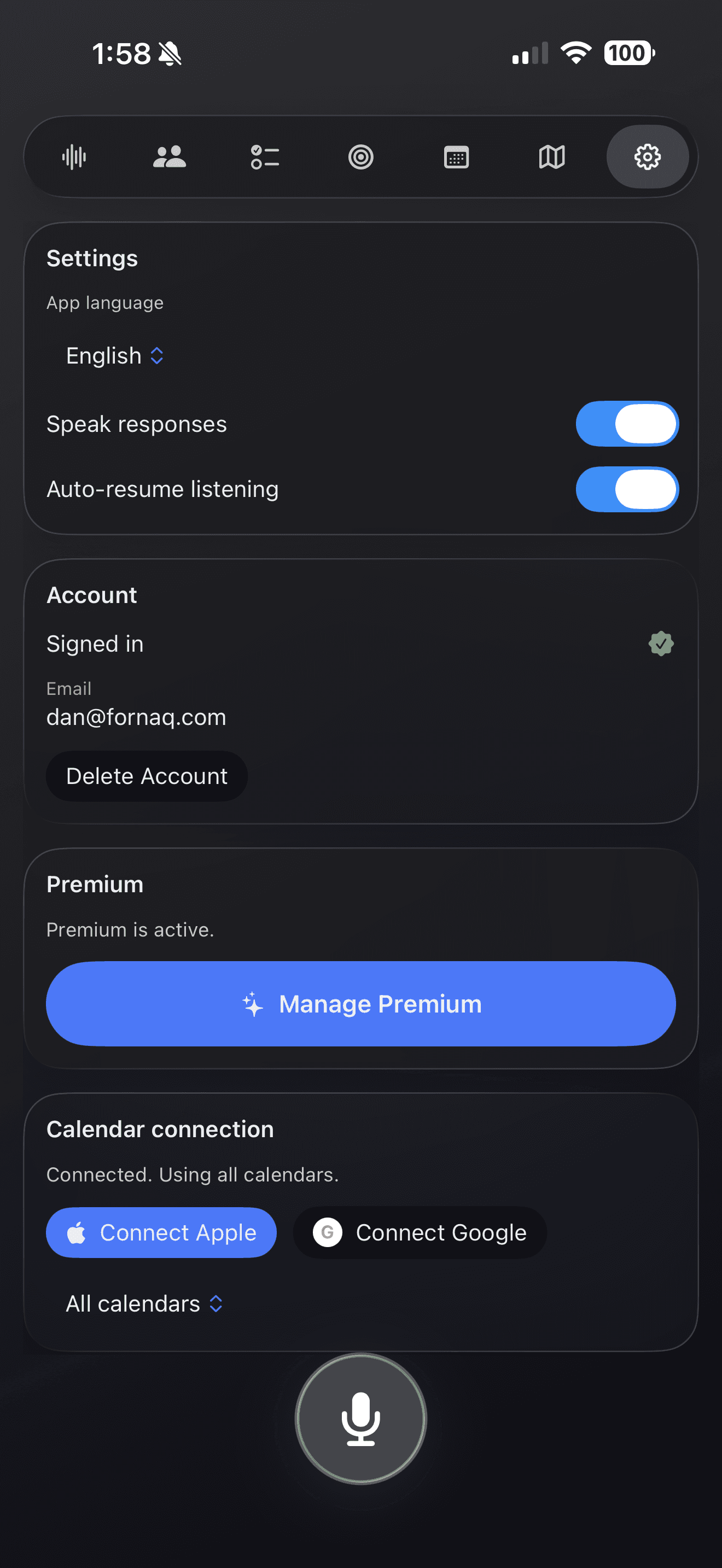
Customize
Personal AI settings.
Calendar
Keep track of your tasks.
Goal Management
Keep track of your objective.
Locations
Set task locations.
Shared Tasks
Collaborate easily.
Customize
Personal AI settings.
Meet Laz
An AI agent that plans your day around your goals, your time, and the places you actually go.
Frequently asked questions
Quick answers about Lazy Schedule, the AI scheduler that plans your day by voice.
What is Lazy Schedule?
Lazy Schedule is an AI-powered planner that combines a calendar, a to-do list, and a pomodoro timer in one iOS app. You speak or type a goal and Laz, the built-in AI agent, schedules tasks, blocks focus time, and keeps your day in sync. Lazy Schedule is built by Fornaq LLC and launched in 2026.
How does the AI scheduling agent work?
Laz, the AI agent inside Lazy Schedule, listens to a voice or text request such as “plan tomorrow around a 2-hour deep-work block” and turns it into concrete calendar events and to-do items. It understands the goal behind each task, spaces work across the week, and reshuffles dependent items when you move one — so a single change keeps your whole schedule consistent.
Is Lazy Schedule free?
Yes. Lazy Schedule is free to download from the App Store and includes the core AI scheduler, to-do list, pomodoro timer, and calendar sync. Lazy Schedule Premium unlocks advanced features for $4.99 per month or $49.99 per year, billed through Apple. You can cancel anytime in your Apple ID Settings.
Does Lazy Schedule support the pomodoro technique?
Yes. Lazy Schedule includes a built-in pomodoro timer that runs alongside your scheduled tasks. You can start a 25-minute focus session on any task with one tap or a voice command, and Laz will automatically log the session and adjust your remaining schedule based on what you got done.
Can I plan my day with my voice?
Yes. Lazy Schedule is voice-first. Tap the microphone, say something like “Add a 30-minute workout tomorrow morning and reschedule my evening review,” and Laz will create the events and update your day. Voice is supported throughout the app, including hands-free task creation, rescheduling, and starting pomodoro sessions.
What devices does Lazy Schedule run on?
Lazy Schedule runs on iPhone (iOS 26.2 or later), iPad (iPadOS 26.2 or later), Mac with Apple Silicon (macOS 26.2 or later), and Apple Vision Pro (visionOS 26.2 or later). A web companion is available at lazyschedule.com for managing your account, goals, and shared tasks from any browser.
How is Lazy Schedule different from Google Calendar or Apple Reminders?
Google Calendar and Apple Reminders are passive containers — you tell them what to put where. Lazy Schedule is active: its AI agent decides where things should go based on your goals, available time, and the locations you actually visit, and it reshuffles the rest of your week when something changes. Calendar sync is built in, so Lazy Schedule complements rather than replaces them.
Can I share schedules and tasks with friends or my team?
Yes. Lazy Schedule lets you collaborate on tasks with the people you trust. Each shared task supports three roles: Host (full control), Co-Host (edit and add media), and Guest (view-only). Participant avatars appear on the timeline so you always know who's involved in any given block of time.
Is my data private and secure?
Yes. Your tasks and goals stay tied to your account when you sign in. Voice messages and task data are sent only to AWS for AI processing and are not used to train AI models or shared with third parties. Conversation history can be reset in Settings, and you can permanently delete your account at any time. Read the full Privacy Policy at lazyschedule.com/privacy-policy.